
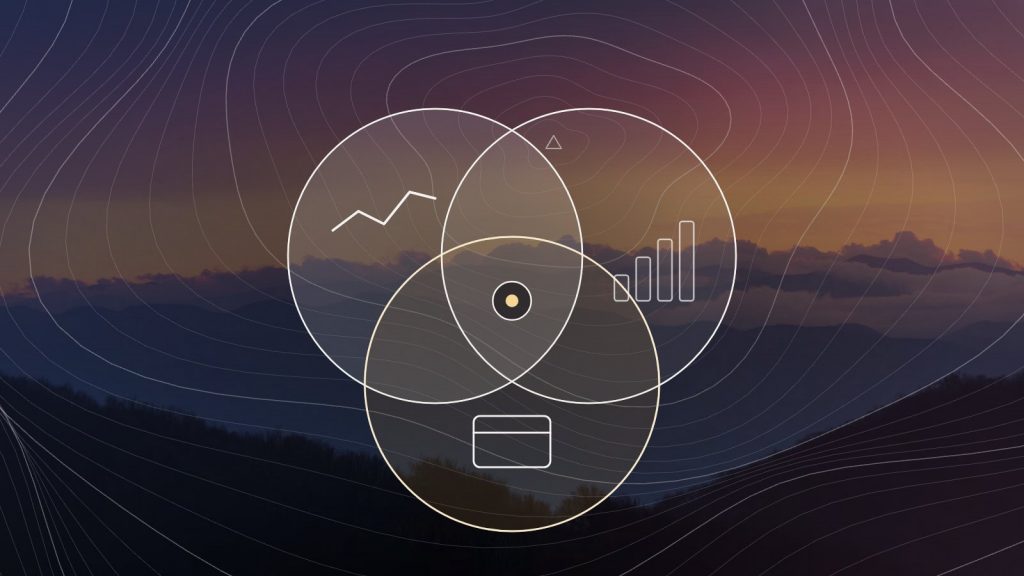
Three tools, three questions.
Search Console
How do people find us? Queries, pages, impressions, clicks and position in Google Search.
GA4
What do they do next? Sessions, engagement, conversions and where visits came from, including AI tools.
Merchant Center
Can Google show our products? The product feed, its diagnostics and anything disapproved.
Five questions they answer together.
- Which pages are seen but not chosen? Search Console impressions without clicks point to titles and descriptions that do not match the query.
- Which search visits lead somewhere? Join Search Console landing pages to GA4 engagement and conversions to find the pages worth improving first.
- Are AI tools sending visitors? A GA4 channel group for AI referrals shows which pages they land on, so you can see what AI tools cite.
- Why is a product missing from Shopping? Merchant Center diagnostics name the problem: a missing attribute, a price mismatch, a bad identifier.
- Do feed, page and markup agree? Price and availability must match across the feed, the product page and its structured data. Reading all three catches the drift.
A monthly routine.
Each cycle
- Pull the queries with the most impressions and the lowest click-through
- Check those landing pages in GA4 for engagement
- Review Merchant Center diagnostics and disapprovals
- Draft fixes, review them, publish, and log them in the changelog
- Re-read the same reports next cycle to see what moved
Done by hand, this is a few hours of exports and spreadsheets. In a connected workspace, the three sources are read in one place, the fixes are drafted from them, and a person spends their time on review instead of copying data.
Things to keep in mind.
- Search Console and GA4 count different things, so their numbers will not match exactly.
- AI Overview traffic is inside Search Console’s Web totals, not reported on its own.
- A connection that reads these tools needs only read access. Changes are made on the site, after review.
Ready to work together?
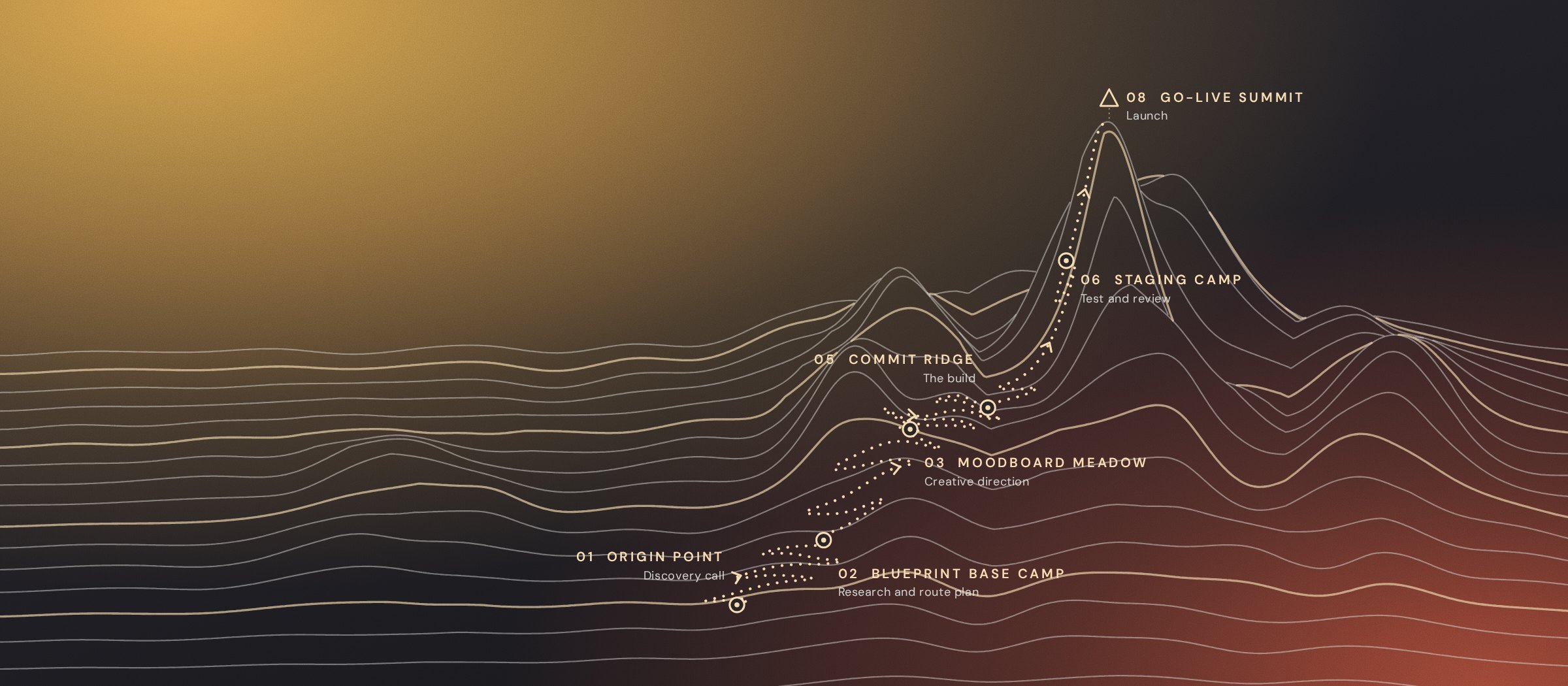
Start at the Origin Point.
Bring your site and your Search Console to the discovery call. We will show you where the first fixes are.