

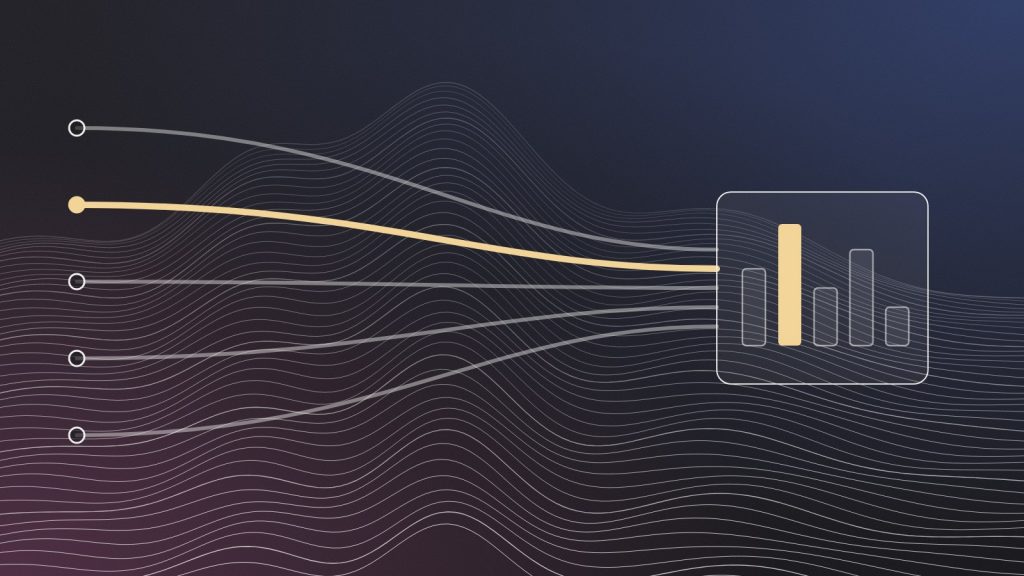
Why it is worth separating.
When an AI assistant cites your page and someone clicks the link, the visit usually arrives as a referral from the assistant’s domain.
Left alone, those visits sit inside the general Referral channel next to every blog and directory that links to you. Pulled into their own channel, they show which pages AI tools send people to, which is the closest thing you have to a list of what they cite.
Setting up the channel group.
- Open channel groups. In GA4 Admin, under Data display, open Channel groups and create a new group by copying the default one.
- Add a channel called AI assistants. Set its condition to Source matches a regular expression.
- Use a pattern for the assistants you care about. For example:
chatgpt\.com|openai\.com|perplexity\.ai|gemini\.google\.com|copilot\.microsoft\.com|claude\.ai - Move it above Referral. Channels are matched in order, so the new channel has to come before the general Referral rule.
- Save and use it in reports. Pick the new group in the Traffic acquisition report’s channel dropdown.
What the numbers cannot tell you.
Read with care
- Some assistants and apps do not pass a referrer, so a share of AI visits will still show as Direct
- Visits from AI Overviews in Google Search are counted as Google organic, not as AI referrals
- A citation without a click leaves no trace in analytics at all
Treat the channel as a floor, not a total. It tells you that AI tools are sending people, and to which pages. It does not tell you how often you are mentioned.
How to use it.
- Find the cited pages. Landing pages in the AI assistants channel show what the assistants link to.
- Compare engagement. AI-referred visitors often arrive with a specific question. Check whether the page answers it in the first lines.
- Pair it with a question set. A fixed list of sample questions, checked on a schedule, covers the mentions that never become clicks.
- Report it every cycle. The same channel, the same date ranges, so the trend means something.
Ready to work together?
Start at the Origin Point.
Bring your site and your Search Console to the discovery call. We will show you where the first fixes are.