Creartful AIYour data
Your accounts. Your access. Your sign-off.
How the workspace reaches your tools, who can see what, and how you take access back. Written in plain words, so you can check it against what we actually do.
Ground rules
Four rules for every connection.
They apply on every plan, to every connector, from the first day of the build.
Access you grant
The workspace reaches a tool only through access you grant from your own account. We never ask for your passwords.
The least it needs
Each connector gets the access its tasks need and no more. Most start read only.
Nothing ships unreviewed
On the work we run, a person at the studio checks every AI-assisted output before it reaches your site, store or list.
Yours to remove
You can revoke any connection from your account at any time. We record the change in the changelog.
Visibility
Who can see what.
Four parties touch the work. This is what each one can reach.
| Who | What they can reach |
|---|---|
| Your team | Everything in your own accounts, and a seat in the workspace on every plan. |
| The studio | The accounts you grant us, for the tasks in your written plan. Access is named per person. |
| Your Claude project | What its connectors can read, at the access each was given, plus the brand rules and files you add to it. |
| Model training | Client workspaces run on Anthropic’s commercial plans. Under Anthropic’s commercial terms, what goes into and comes out of the workspace is not used to train models by default. |
Where our part ends
Your data also lives with your vendors.
Your store, your email platform and Anthropic each keep data under their own terms. We do not change those terms, and we will not describe them as ours.
What we control is how the workspace is set up: which tools are connected, what each connection may do, who at the studio has access, and what a person checks before anything ships.
Your written plan lists every service the workspace connects to, so you can read each vendor’s terms for yourself before anything is switched on.
FAQ
Data questions, answered.
If your business has its own security review, send it to us before the discovery call and we will answer it in writing.
Ask on a callCan the workspace change our site on its own?
Not on the work we run. Changes to a live site, store or list are prepared as drafts and applied only after a person at the studio has reviewed them and, where your plan says so, your approver has signed off.
Do you need our passwords?
No. Access is granted from your own accounts, through each tool’s own sign-in and permission screens. You can see it there and remove it there.
What happens to access when a plan ends?
We walk through every connection with you, you revoke the access from your accounts, and we confirm in writing that the studio’s own access has been removed.
Who owns the content the workspace drafts?
The work we deliver for you is yours. We cover ownership of the site, the workspace and each account on the discovery call and in your written plan.
Can we keep some data out of the workspace?
Yes. You decide which tools are connected and which files are added. Anything you leave out, the workspace cannot see.
Next steps
Three ways in.
Book a call to talk it through, ask the help desk a question, or sign in if you are already a client.
Origin Point
Book a discovery call.
One conversation about your site, your tools and the work that repeats.
Book a callHelp desk
Ask a question.
Search the answers, or send a request and a person replies.
Open the help deskClients
Sign in to your portal.
Your changelog, approvals, reports and access.
Client sign-in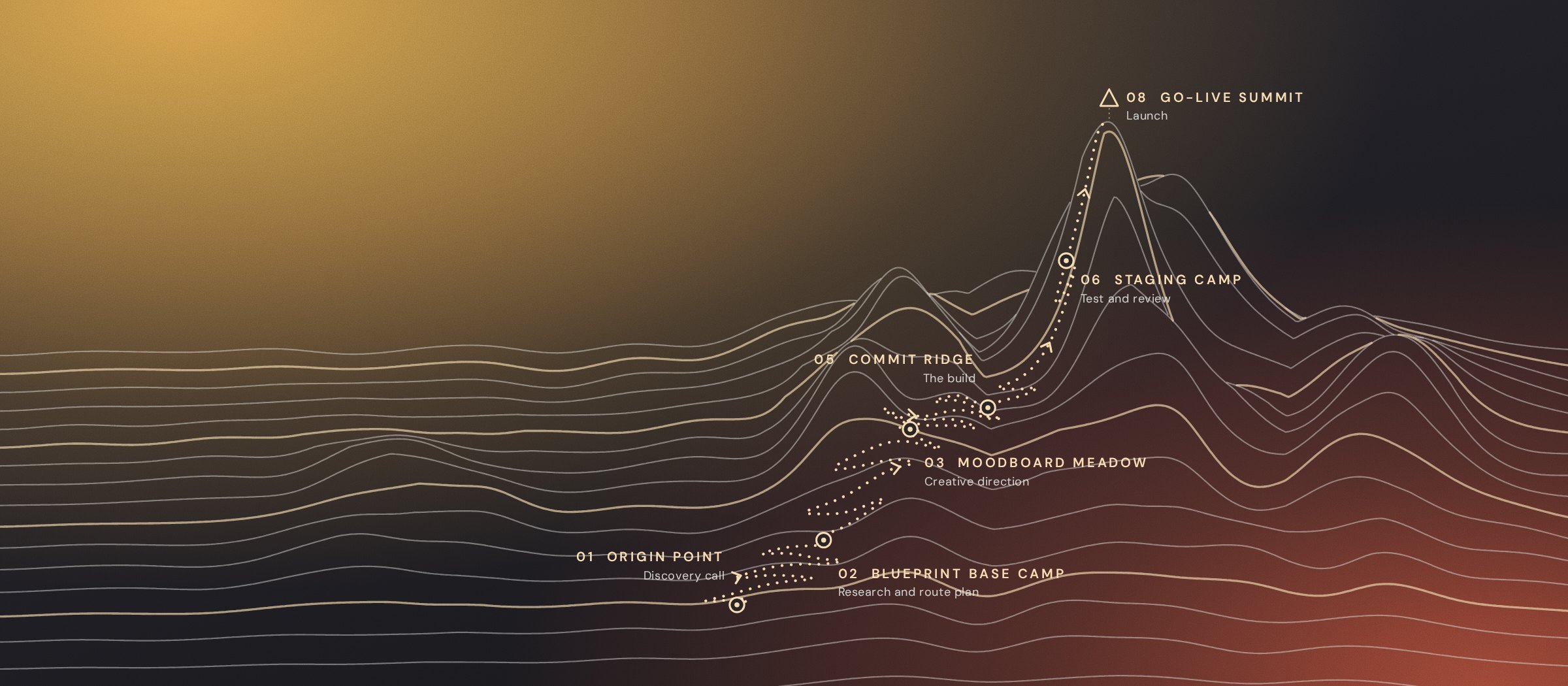
Ready to work together?
Start at the Origin Point.
Bring your questions about access and data to the discovery call. We will answer them before anything is connected.